
The Document Problem No One Talks About
Every organization — from scrappy startups to global enterprises — runs on documents. Contracts, reports, policies, proposals, meeting notes, technical specs. They accumulate by the thousands, scattered across shared drives, email threads, Slack channels, and forgotten folders.
The problem isn't storage. Cloud storage is cheap and limitless. The real problem is retrieval and comprehension. When you need an answer buried somewhere inside a 60-page contract, or need to compare clauses across three different vendor agreements, the process is painfully slow — manual, error-prone, and deeply frustrating.
This is precisely the gap that AI document assistants are built to close. Not just smarter search, but genuine AI-powered understanding of your documents — the ability to ask questions in plain language and receive precise, evidence-backed answers in seconds.
What Is an AI Document Assistant?
An AI document assistant is a tool that combines large language models (LLMs) with your organization's private document corpus. Unlike a generic chatbot that answers from training data alone, an AI document assistant reasons directly over your files — your specific contracts, reports, knowledge bases, and procedures.
The core capability is called Retrieval-Augmented Generation (RAG): when you ask a question, the system retrieves the most relevant passages from your documents, feeds them to the AI model as context, and generates a grounded answer — complete with citations pointing back to the exact source.
"Unlike a search engine that returns a list of documents to read through, an AI document assistant reads them for you — surfacing the exact answer, from the exact source, in seconds."
This distinction matters enormously. A search engine gives you ten links. An AI document assistant gives you the answer, with the paragraph it came from, and the document it lives in.
Key Features That Define a Great AI Document Assistant
Not all AI document tools are created equal. Here are the capabilities that separate a genuinely powerful assistant from a glorified keyword search:
1. Evidence-Based Answers With Citations
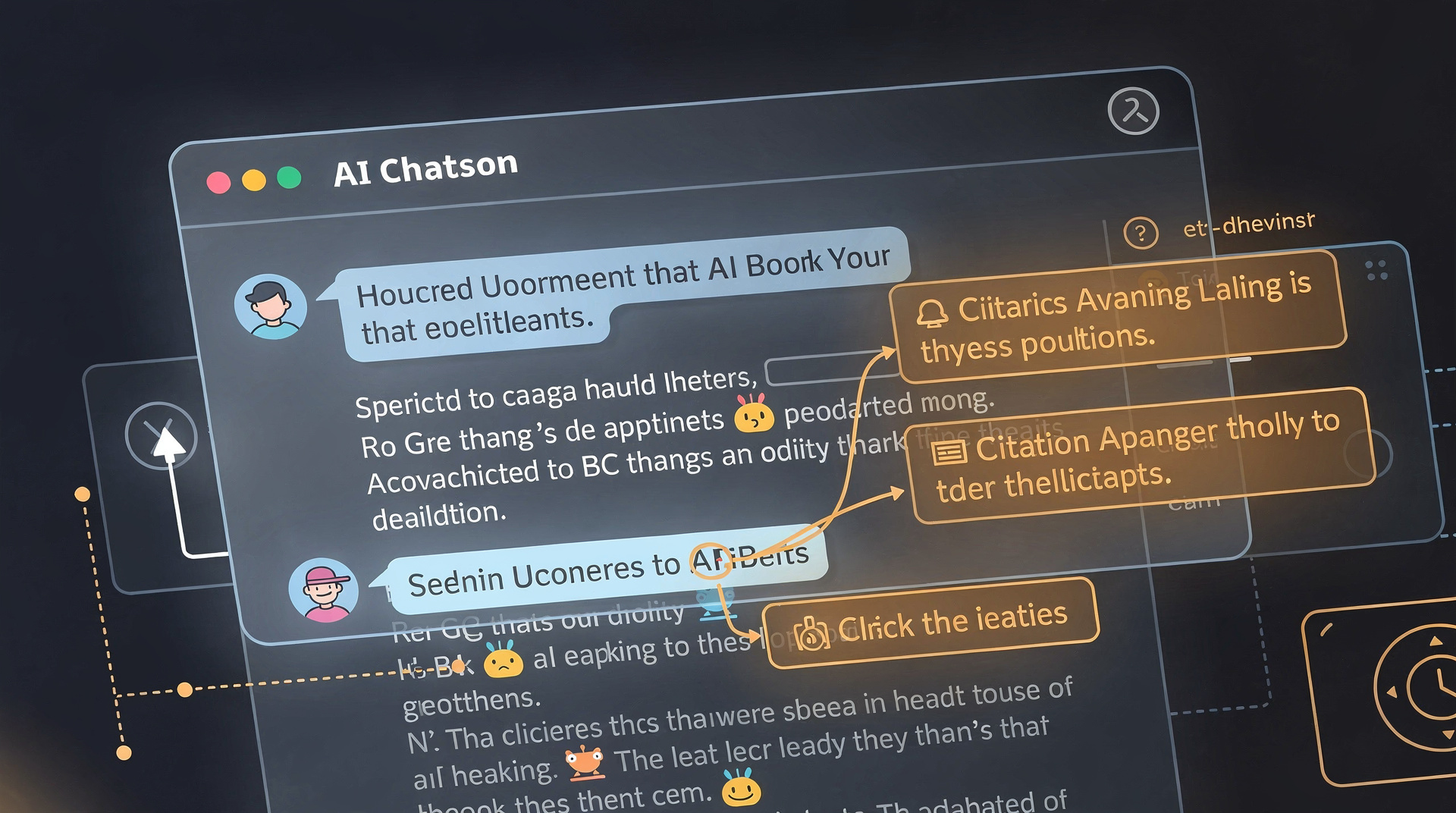
Every answer should be traceable. A best-in-class AI document assistant doesn't just generate a plausible response — it cites the exact source paragraph, page, and document from which the answer was derived. This is non-negotiable for compliance-heavy environments like legal, finance, or healthcare.
2. Cross-Document Reasoning
The ability to synthesize information across multiple documents simultaneously is what separates advanced tools from basic ones. Compare a renewal clause across five vendor contracts? Summarize all findings from ten research reports? A capable AI document assistant handles this in a single query.
3. Role-Based Access Control (RBAC)
In any organization, not every employee should see every document. A robust AI document assistant respects existing permission structures — so the AI only surfaces answers from documents the querying user is authorized to access. This is critical for enterprise deployments.
4. Saved Searches and Alerts
Recurring questions deserve automated monitoring. The ability to save a complex query and receive alerts when new documents match it transforms the AI assistant from a reactive tool into a proactive intelligence layer.
5. Template Comparison
For teams working with standardized documents — contracts, SOPs, compliance forms — the ability to compare a document against a reference template and flag deviations is an enormous time-saver. No more reading every line manually.
Who Benefits Most From AI Document Assistants?

While virtually any knowledge worker benefits from faster document retrieval, certain roles see transformational gains:
- Legal teams — Review contracts, extract obligations, identify risks across hundreds of agreements without manual line-by-line reading.
- Finance & compliance — Audit trails, policy lookups, and regulatory comparisons in seconds rather than hours.
- HR departments — Answer employee policy questions, onboard faster, maintain consistent knowledge across handbook versions.
- Sales & account management — Surface relevant case studies, proposals, and pricing documents instantly during client conversations.
- Research & development — Cross-reference findings across technical reports and patent filings without reading each one cover to cover.
- Operations — Find the right SOP version, locate supplier terms, and resolve procedural questions without escalation chains.
How AI Document Assistants Actually Work
Understanding the mechanics helps you evaluate tools more effectively. Here's a simplified breakdown of the process:
When you upload documents, the system chunks them into segments and converts each chunk into a mathematical vector — a numeric representation of its meaning. These vectors are stored in a specialized database called a vector store.
When you ask a question, your question is also converted to a vector. The system retrieves the most semantically similar chunks from your documents — not just keyword matches, but meaning-based matches. Those chunks are passed to the AI model as context, and the model generates a response grounded in that retrieved content.
The result: answers that are accurate, specific, and always traceable back to your actual documents — not hallucinated from general training data.
Real-World Impact: The Numbers Behind the Shift
The business case for adopting an AI document assistant is compelling. According to multiple enterprise productivity studies:
- Knowledge workers spend an average of 19% of their workweek searching for and gathering information.
- Employees who can't find information they need are 31% less productive.
- Organizations that deploy AI-powered document assistants report 40–60% reductions in time spent on document-heavy tasks.
- Contract review time drops from hours to minutes when AI handles initial analysis.
These are not marginal improvements. They represent a structural shift in how knowledge work gets done — and organizations that adopt these tools early gain a durable competitive advantage.
FlexFiles: A Purpose-Built AI Document Assistant
Among the growing field of AI document tools, FlexFiles stands out for its laser focus on enterprise-grade document intelligence. Built for teams that need speed, accuracy, and security in equal measure, it brings together the best capabilities of AI document assistants in a cohesive, production-ready platform.
The FlexFiles AI Document Assistant lets you ask questions across your entire workspace — and get back answers with inline citations, not just a list of files to dig through. Key highlights include:
- Ask questions with evidence-based answers — every response cites the exact source document and passage.
- Cross-document queries — synthesize information from multiple files in a single question.
- Template comparison — instantly flag how a document deviates from your standard template.
- Saved searches and alerts — set up recurring queries that notify you when new documents match.
- RBAC-safe by design — AI answers respect your existing access control structure, never exposing documents to unauthorized users.
- Fast and scalable — built to handle large document workspaces without compromising response speed.
Stop searching. Start asking.
FlexFiles AI Document Assistant gives your team instant, cited answers from across all your documents — with enterprise-grade security baked in.
Explore FlexFiles AI AssistantChoosing the Right AI Document Assistant for Your Team
As you evaluate options, here are the questions that matter most:
- Does it cite sources? Non-negotiable. Any tool that gives answers without traceable citations is a liability, not an asset.
- Does it respect access controls? In a multi-user environment, RBAC compliance is essential.
- How does it handle updates? Documents change. Your AI assistant's knowledge should update when your files do.
- Is it trained on your data, or general data? The best tools reason over your specific documents, not generic internet training.
- What's the integration story? Can it connect to your existing storage (Google Drive, SharePoint, Dropbox)?
The best AI document assistant is the one that disappears into your workflow — so natural and fast that your team stops thinking of it as an AI tool and starts treating it as a trusted colleague who happens to have read every document in the company.
The Bottom Line
AI document assistants are not a future technology — they are a present-day productivity multiplier available to any team willing to adopt them. The gap between organizations that leverage this technology and those that don't will only widen as AI capabilities continue to accelerate.
Whether you are a five-person startup managing investor documents or a 5,000-person enterprise drowning in compliance paperwork, there is an AI document assistant sized for your problem. The question is no longer whether to adopt one — it's which one to choose and how fast to move.
Start with the tools that prioritize accuracy, citations, and security — because those are the properties that make AI document assistance genuinely trustworthy in professional settings. FlexFiles checks every one of those boxes, and it's worth exploring as your benchmark for what best-in-class looks like.
FlexFiles AI Document Assistant
Ask questions across your documents — with citations, RBAC-safe, and fast.